Write to generate AutoCAD models and 3D objects
Generating only from text to a CAD model or a precise 3D object seemed impossible three years ago. In fact, Autocad introduced the Project Bernini initiative, an idea based on AI to generate 3D shapes, but without many results.
Now, with a simple AI prompt you can generate a 3D object for Autocad or 3D printing, and detailed. The tool that is surprising with its results is called ADAM and it has an excellent free version! An example of ours:
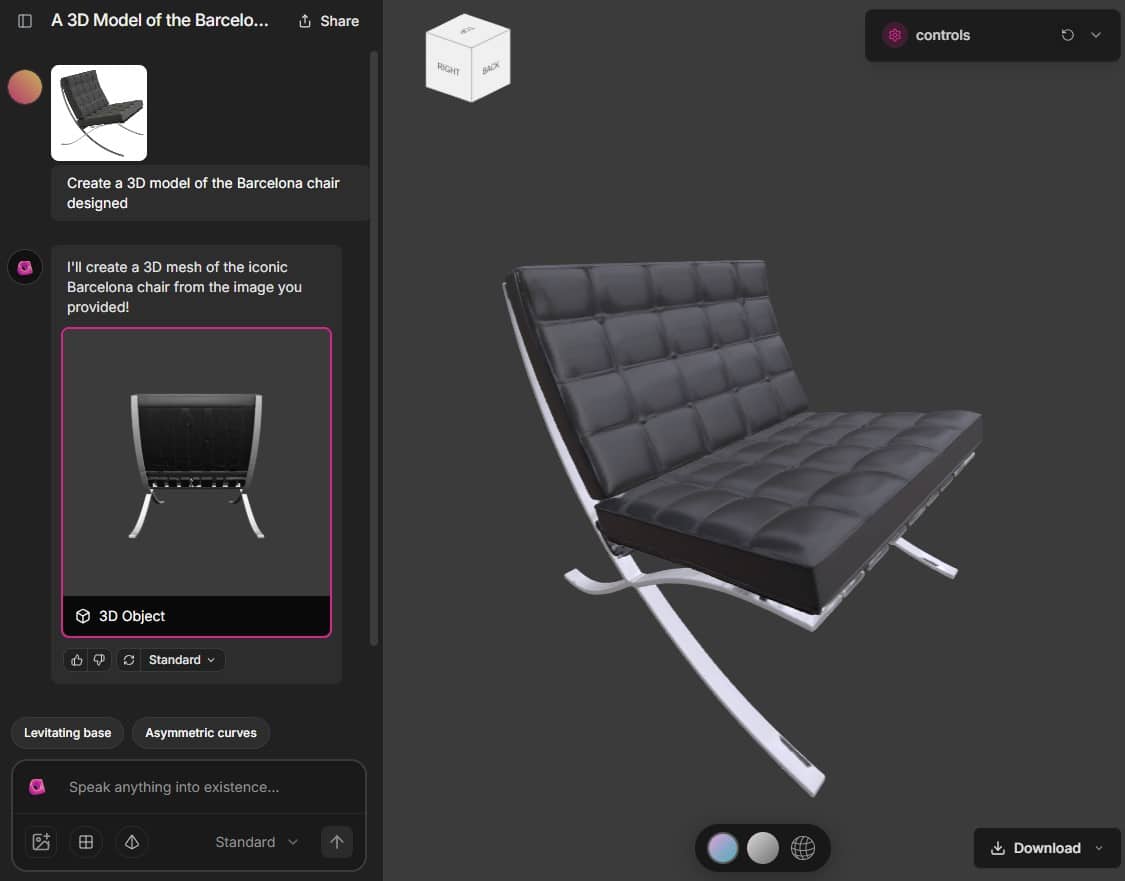
If you have a 3D printer! It is the perfect tool to create whatever you want quickly
In fact, the application is Open Source (Free Software) and is using the latest artificial intelligence models from Gemini and Claude to fully exploit its capabilities.
1. Access and interface
The first thing we have to do is enter CADAM (or Adam) from HERE. It can be tested without registration, but I already confirm that you have to register to see the potential of the software. Watch the following video:
It is necessary to differentiate between the free model – useful for very simple things – and the much more powerful and detailed subscription-based model (In subscription, there is a 7-day trial, with 3 tests per day and without adding a card).
🟧 Note: See top tools with AI to make furniture 3D with a simple image or the list of AI software to make plans of houses and their layouts.
2. Model definition (Input)
The process begins by entering text as input (prompt). The following video (in Italian) explains ADAM in free and paid version:
- Write the Initial Prompt: Enter the description of the object you want to create (for example, “Create a two-seater English style sofa” or “create a desktop computer monitor”).
- Use references (Optional): You can use images as a reference for generation and it is recommended!

- Quality options:
1. Mesh Format (Geometry)
-
- Quads: Generates geometry using mainly quadrilaterals. Offers a cleaner topology, ideal for editing and animation.
- Polygons: Generation based on polygons (which may include triangles). Generally faster, but may result in less clean topology.
2. Output Quality
-
- Max Quality: Maximum fidelity mesh with clean and optimal topology.
- Standard: High quality generation with PBR textures (physically based rendering).
- Textureless: Faster option that generates only the geometry, without applying textures or complex materials.
3. Initial generation
Once the prompt is entered, the tool starts building the CAD model (it takes between 2 to 3 minutes).
- The model generates all the vertices and faces that represent the 3D object.
- The application offers a real-time preview of the generated object that you can move with the mouse.
4. Modification and refinement (Fine-tuning)
The process is conversational, allowing the object to be refined after the initial generation.
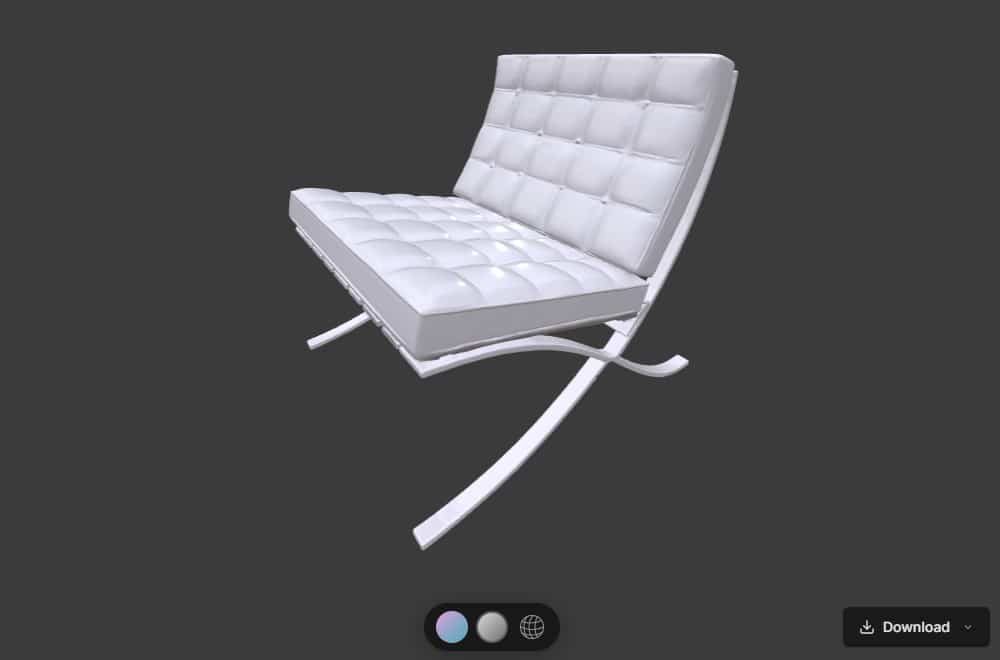
- Adjustment via Chat: If the initial object is not satisfactory, you can continue the conversation (or chat) using new prompts to modify it. For example, add specific features (like a border) or perspectives as in Nano Banana.
- Parameter regulation: On the right side of the interface, there are a series of parameters that allow you to regulate specific parts of the 3D object. The tool uses automatic “parameter extraction” to identify these elements.
-
- Dimensions can be adjusted.
- The color of the object can be changed.
- Change the light and intensity.
-
If you need a tool for interior design topics, it is advisable to see the article on interior design with artificial intelligence you will like it!
5. Exporting the 3D object
Once the model is complete and adjusted, you can export it.
- Standard files: The model can be downloaded as a .STL file (for 3D printing) or as a .SCAD (a CAD file).
- Premium formats: The paid version (Adam Pro) offers more download options, including .OBJ (universal), .GLB, .GIF (for animation), or a .ZIP file with textures.
We can already sense that creating 3D modeling with a prompt with artificial intelligence is the future and more so seeing that the startup Adam has announced a funding round of more than 4 million dollars, and all with Open Source software.
If you liked the article, share it!